



Bill Pay
Bill Pay is a secure service that allows users to pay bills or transfer funds directly through Passumpsic Connect, making it a centralized, convenient tool for managing monthly expenses.
To access Bill Pay please login to your Passumpsic Connect account. Go to the Transfer & Pay tab and select Bill Pay from the drop down menu.
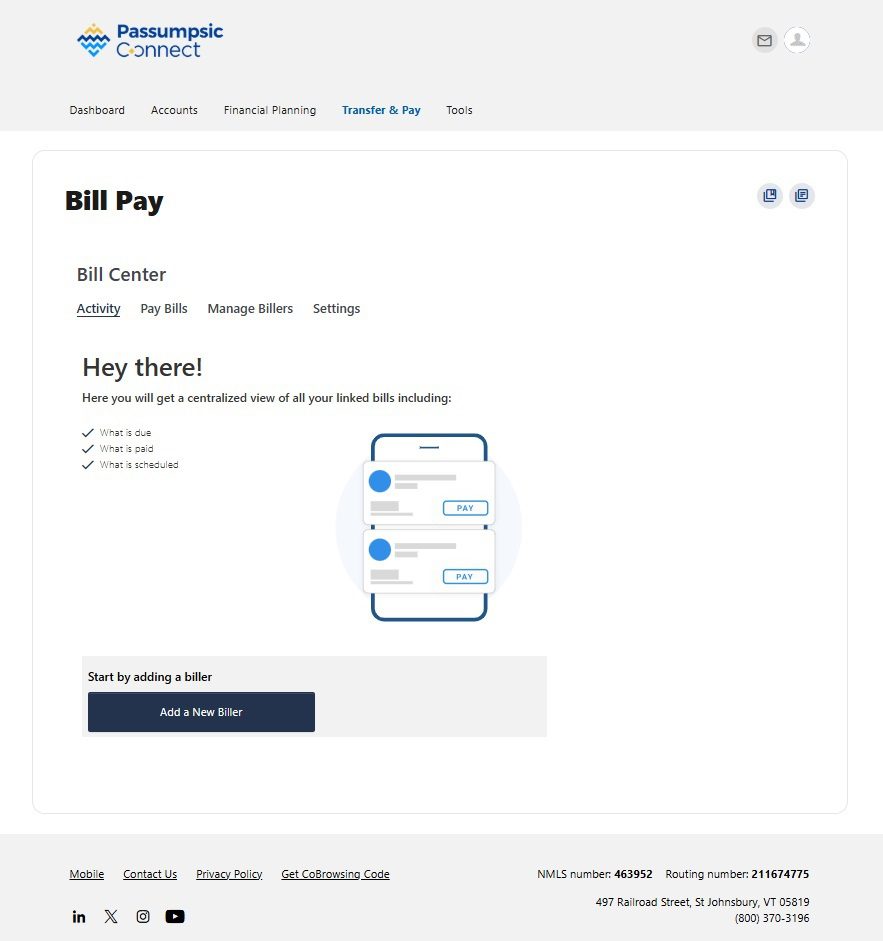
Once you are in Bill Pay you can access your activity tab:
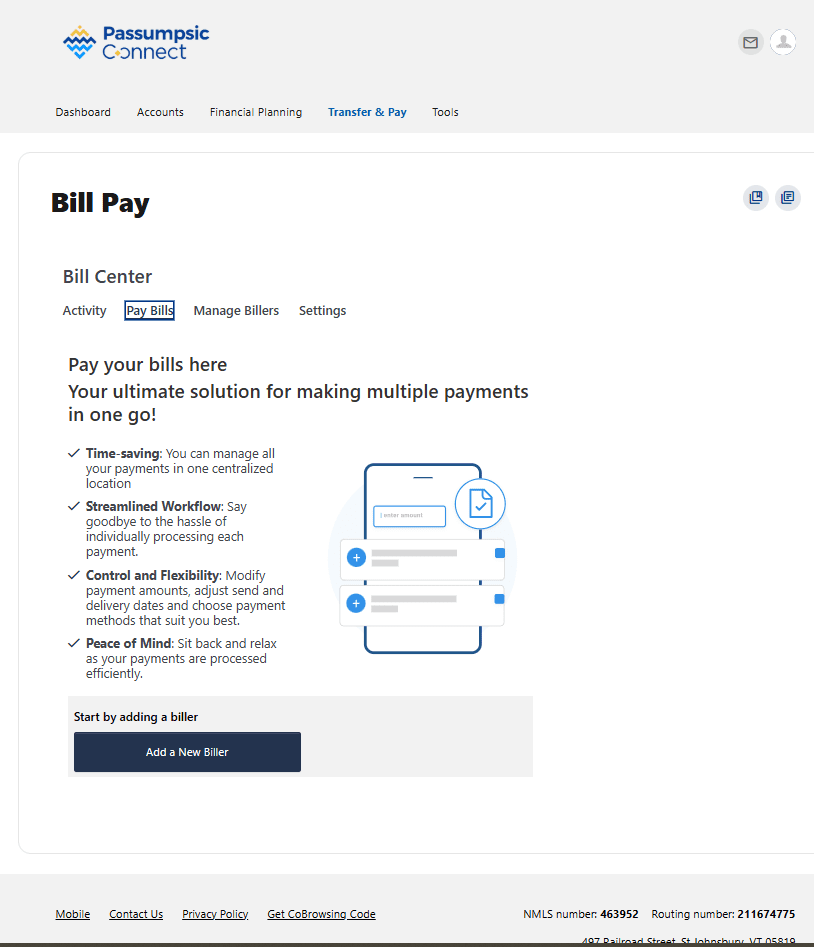
Access the Pay Bills section
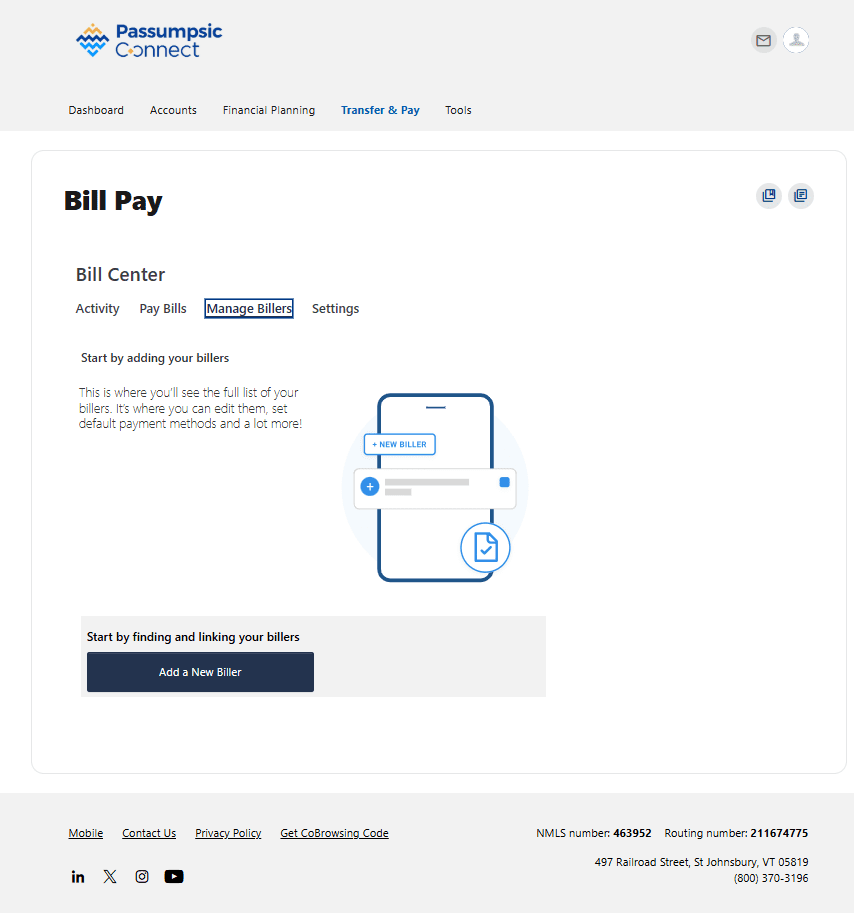
Manage Billers tab--add billers
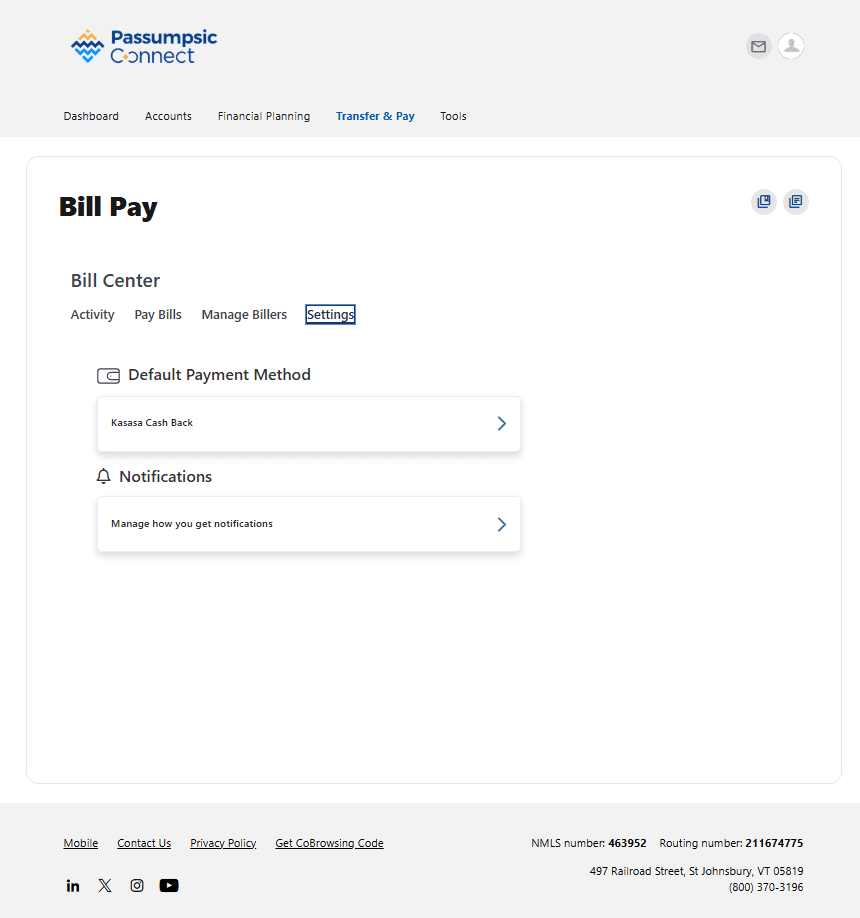
The Settings tab gives you access to your payment methods and notifications.
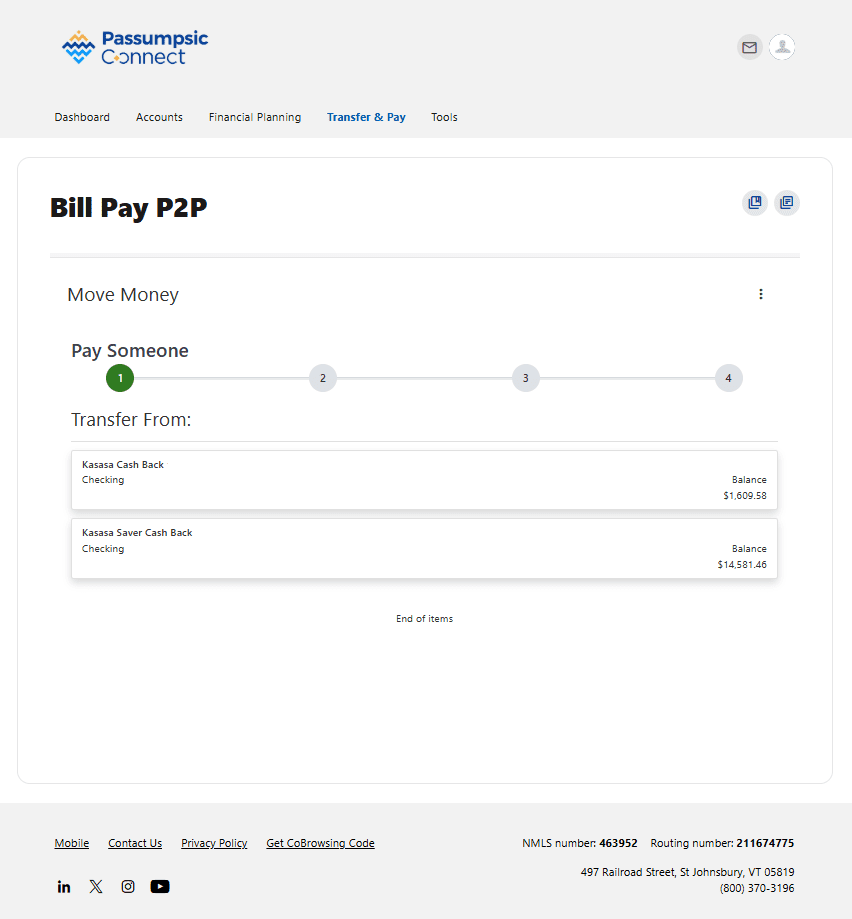
Introducing our NEW P2P option- a secure form of transferring money to your peers.
For additional questions view our FAQ page